Tap Water vs. Treated Water: What Actually Comes Out of Your Faucet in Central Valley

Aqua Premier Whole Home Water Treatment LLC was founded with the mission of helping families and businesses enjoy cleaner, healthier water
Our experts will evaluate your water conditions and recommend the best solution to improve the quality of water in your home or business.
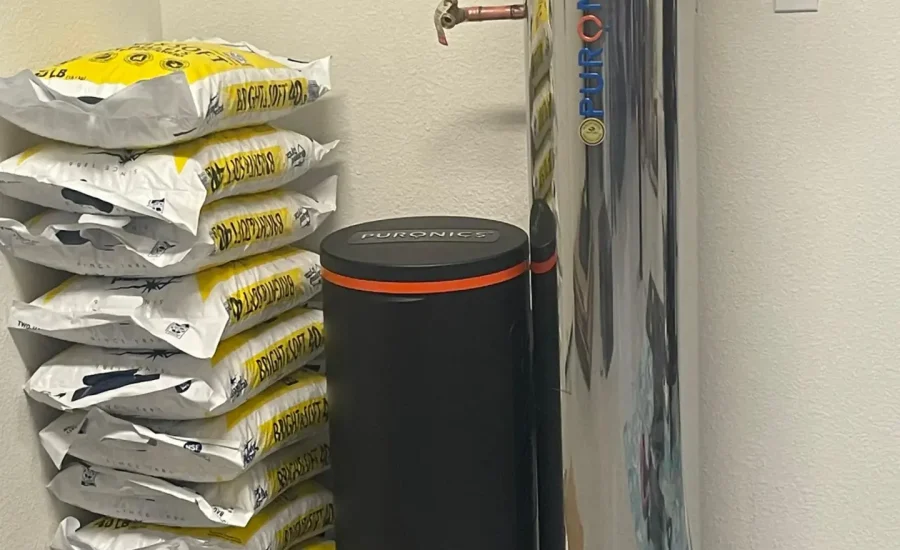
If you’ve walked past your Puronics water softener and noticed numbers or symbols on the digital display at the top of the unit, you’re not alone in wondering what they mean. The control head is the brain of your entire system — it monitors water usage, manages regeneration cycles, and alerts you when something needs attention. Once you understand what it’s communicating, you’ll never have to guess whether your system is working correctly again.
This guide breaks down how the Puronics digital control head works, what each display reading means, and what to do when something looks unfamiliar.
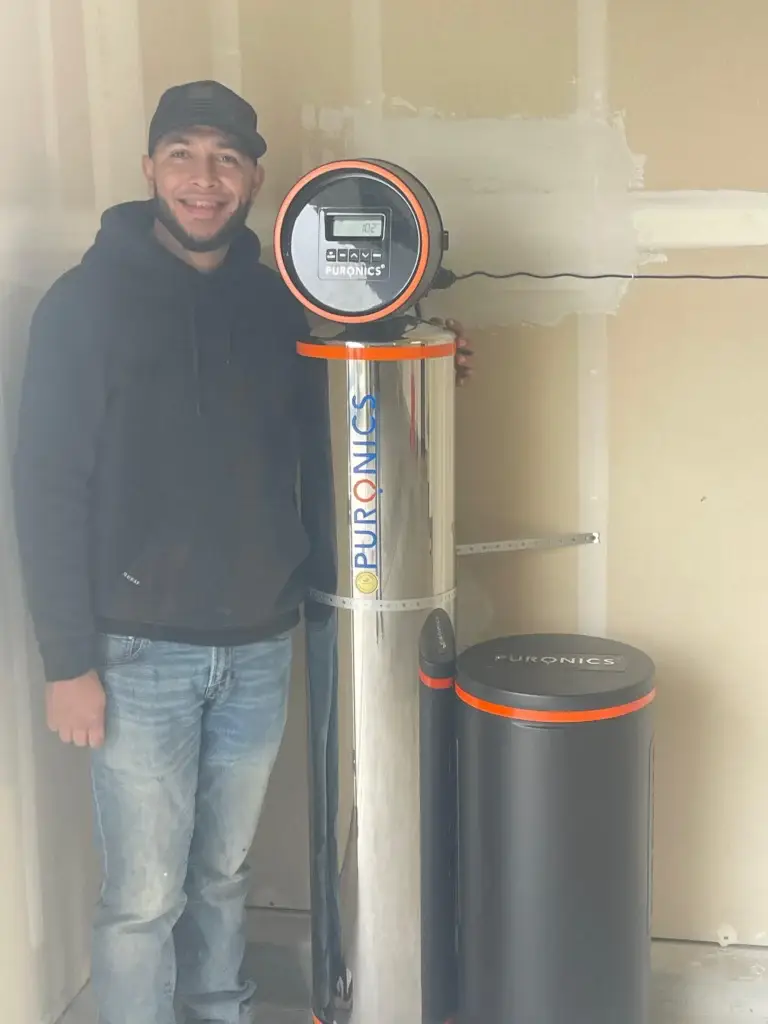
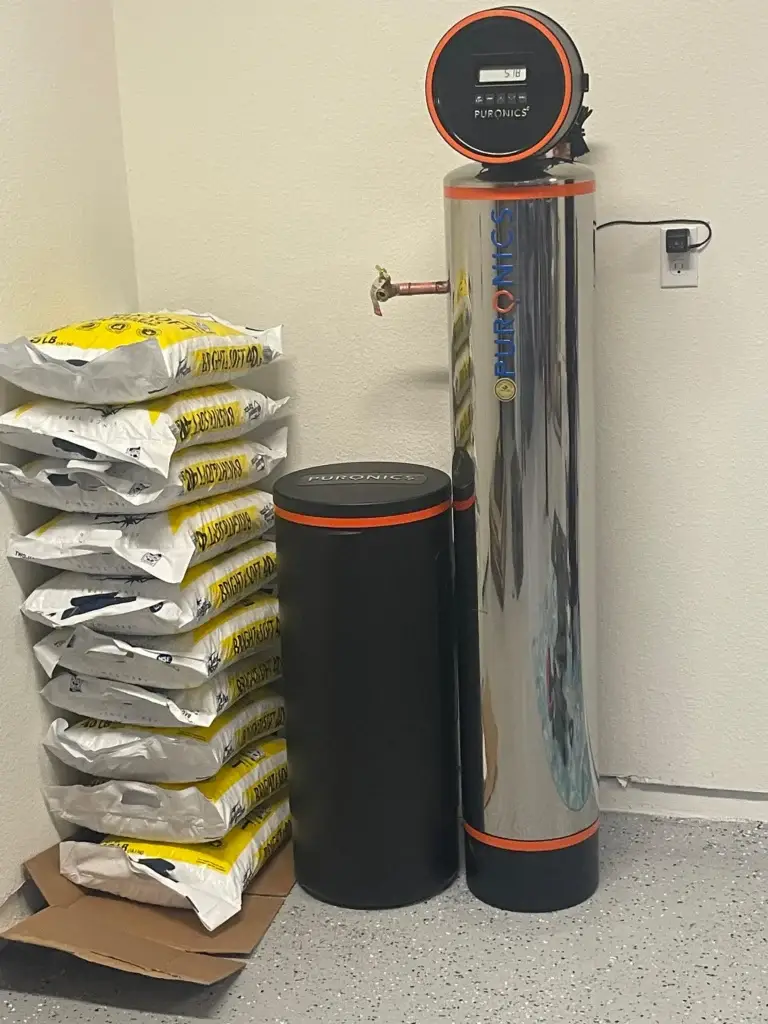
The control head sits at the top of the Puronics main tank — the stainless steel cylinder that connects to your home’s main water line. It serves as the command center for the entire softening process, handling three primary functions:
Unlike older timer-based softeners that regenerate on a set schedule regardless of whether it’s needed, Puronics systems use demand-initiated regeneration. The control head monitors exactly how many gallons of water have passed through the resin tank and triggers a regeneration cycle only when the resin bed is close to capacity. This means less salt used, less water wasted, and a system that responds to how your household actually lives.
The most prominent display on the control head under normal operation is the current time. This matters more than it seems — the system uses the time setting to schedule regeneration during low-demand hours, typically between 2:00 and 4:00 AM when water use throughout the home is minimal.
If the time is incorrect — after a power outage, for example — the regeneration cycle may fire at the wrong hour. Resetting the clock is one of the first things to check if you notice the system running at an unusual time of day.
Some Puronics models display the number of gallons of softened water remaining before the next regeneration cycle is needed. This reading counts down from the system’s capacity — a number calculated during setup based on your water hardness level and household size.
When this number is low, the system is approaching the end of its current softening capacity and will regenerate soon. You don’t need to do anything when you see this — it’s the system doing exactly what it’s designed to do.
On certain display modes, the control head shows how many days have passed since the last regeneration cycle. Under normal household usage, this number typically resets every few days. If it climbs unusually high — beyond seven to ten days without a regeneration — it may indicate that water usage has been very low, or that the system’s sensors need to be reviewed during your next service visit.
When the system is actively regenerating, the display will show a cycle indicator or countdown. You may also hear water running and the sound of the control valve cycling through positions — this is completely normal. A full regeneration cycle typically takes between 90 minutes and two hours and runs through several stages: backwash, brine draw, slow rinse, and fast rinse.
During regeneration, the bypass valve allows untreated water to reach your home’s fixtures. The water is still safe to use — it simply won’t be softened until the cycle completes.
If the control head displays an unfamiliar code or a flashing indicator that doesn’t resolve on its own, it’s flagging a condition that needs attention. Common causes include:
Rather than attempting to reset or override an error code without guidance, contact your Aqua Premier service technician. Error codes exist to protect the system — clearing them without addressing the underlying cause can lead to inadequate softening or internal component wear.
Your Puronics dealer programs the control head during installation based on your specific water hardness and household profile. Most homeowners never need to change these settings. However, two adjustments are straightforward to make on your own if your household circumstances change:
Salt dosage, hardness settings, and capacity calculations should only be adjusted by a trained technician — incorrect settings here can reduce softening efficiency or cause the system to over-regenerate, wasting salt and water.
Most of the time, the control head display is simply confirming that your system is operating normally. But there are specific situations where what you see on the display should prompt a service call:
None of these situations are emergencies, but each one points to a condition that a trained technician should evaluate before it affects your water quality.
The Puronics digital control head is designed to take the guesswork out of water softener management. Once you know what the display is communicating, it becomes easy to confirm at a glance that your system is operating correctly — and to recognize the few situations where a closer look is warranted.
As an authorized Puronics dealer serving Merced, Stanislaus, Monterey, San Benito, Madera, and San Joaquin Counties, the Aqua Premier Homes team is available to walk you through your control head settings, answer questions about your display readings, or schedule a service visit if something doesn’t look right.
Ready to see the difference for yourself? Contact Aqua Premier Homes at (209) 979-9001 or reach us at info@aquapremierhomes.com to schedule your free water consultation today.

Professional water softener installation, water filtration systems, and maintenance services tailored to meet your specific water needs.
We are proud to be licensed and insured professionals, giving our clients confidence and peace of mind when choosing our services.